Quick Answer
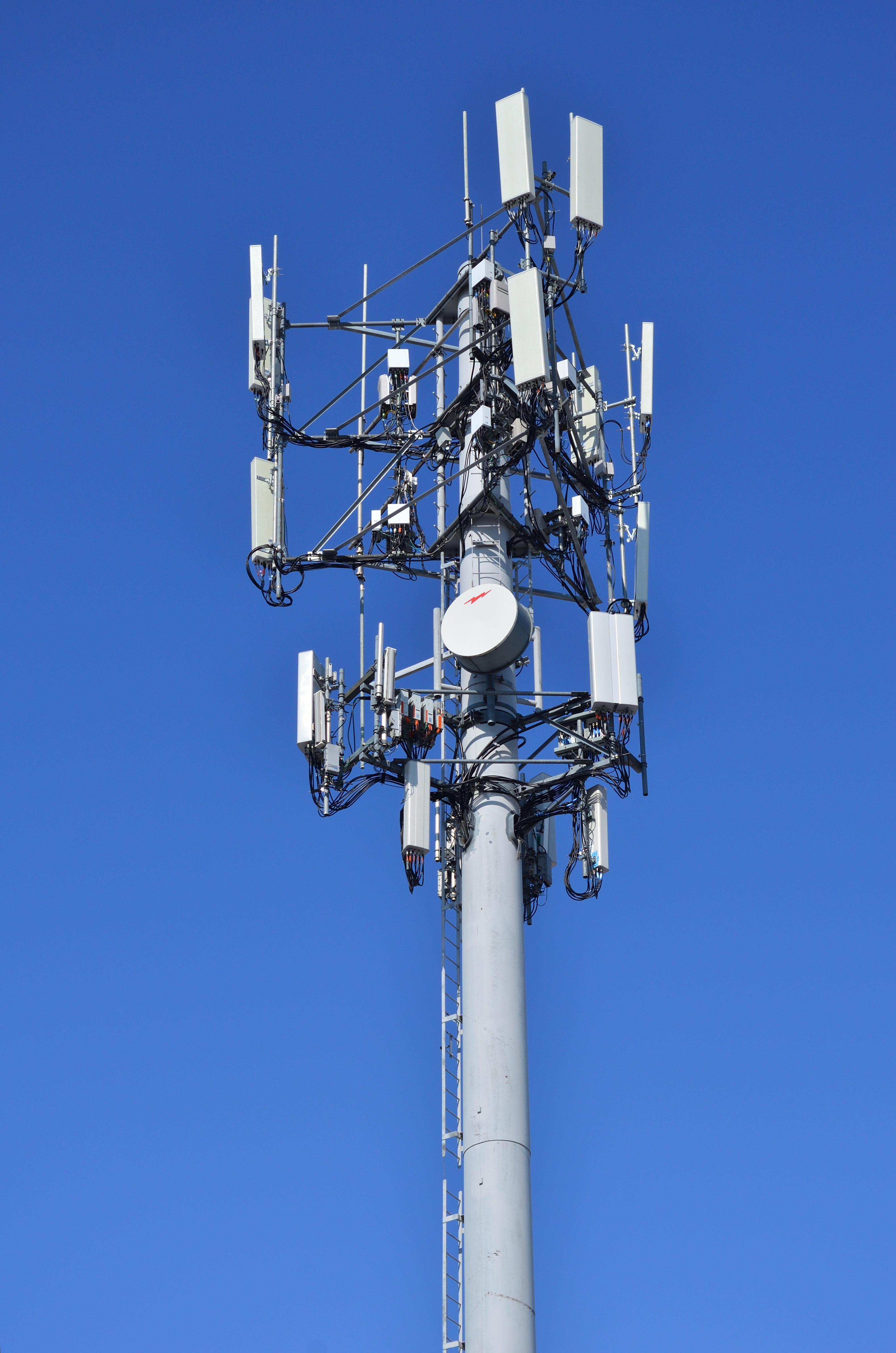
A cellular network uses towers called base stations to send wireless signals across geographic areas divided into cells. Each tower covers a specific zone, allowing your phone to connect as you move between areas. Weak signal? Try moving near windows, restarting your phone, or checking for obstructions like thick walls or tall buildings blocking the signal.
Key Takeaways
- Keep your phone updated—OS updates often include improved network compatibility.
- Remove metal cases when you need maximum signal strength.
- Use Wi-Fi whenever possible to save cellular data and reduce tower load.
- Making phone calls in remote areas with no landline access
- Streaming videos on public transportation using mobile data
Troubleshooting & Solutions
Common Problems & Solutions
Tower signals don’t penetrate thick walls, basements, or underground areas well. Buildings made of concrete, metal, or brick can block radio waves. Also, being far from a cell tower or surrounded by tall structures reduces coverage.
- 1Move closer to a window or go outside to test if the signal improves.
- 2Restart your phone to refresh the network connection.
- 3Enable Airplane Mode for 10 seconds, then turn it off to force reconnection.
- Assuming a booster will fix everything without proper installation
- Plugging a signal booster into an outlet instead of connecting it to an outdoor antenna
Frequently Asked Questions
Thick walls, building materials like concrete or metal, and distance from the nearest cell tower all weaken signals. Moving near windows or outdoors usually helps.
Sources & References
- [1]Cellular network — Wikipedia
Wikipedia, 2026