Quick Answer
Educational technology (EdTech) uses digital tools like apps, platforms, and software to improve teaching and learning. It helps students study more effectively and gives teachers better ways to track progress and engage students.
Key Takeaways
- Start small: pick one app or tool to learn deeply instead of trying many at once
- Check if your school or library offers free access to premium EdTech services
- Always use strong passwords and two-factor authentication for learning accounts
- Taking online courses while working full-time
- Using flashcard apps like Anki to memorize vocabulary or facts
What Educational technology means in practice
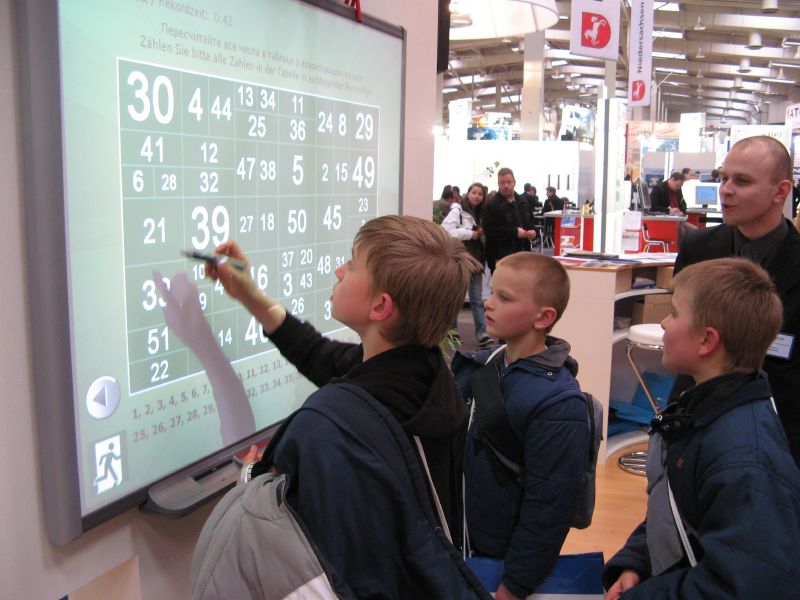
In real life, educational technology means using devices like tablets, laptops, and learning apps in classrooms or at home. It includes online courses, interactive quizzes, video lessons, and AI tutors. For parents and students, it’s about finding the right digital resources that actually help with homework, studying, or skill-building—not just busywork.
Quick answer
Educational technology (EdTech) uses digital tools like apps, platforms, and software to improve teaching and learning. It helps students study more effectively and gives teachers better ways to track progress and engage students.
Troubleshooting & Solutions
Common Problems & Solutions
Why this happens
Digital distractions like social media, notifications, or poor internet can break concentration during virtual learning.
How to fix it
- 1Use a dedicated study space free from phones and TVs
- 2Turn off non-essential notifications on devices
- 3Use website blockers like Freedom or Cold Turkey during class time
Mistakes to avoid
- Letting kids multitask with games or videos
- Using personal devices without parental controls
Frequently Asked Questions
Educational technology (EdTech) refers to the tools and methods used to support learning—including apps, hardware, and software. Online learning is a delivery method that often uses EdTech.
Sources & References
- [1]Educational technology — Wikipedia
Wikipedia, 2026