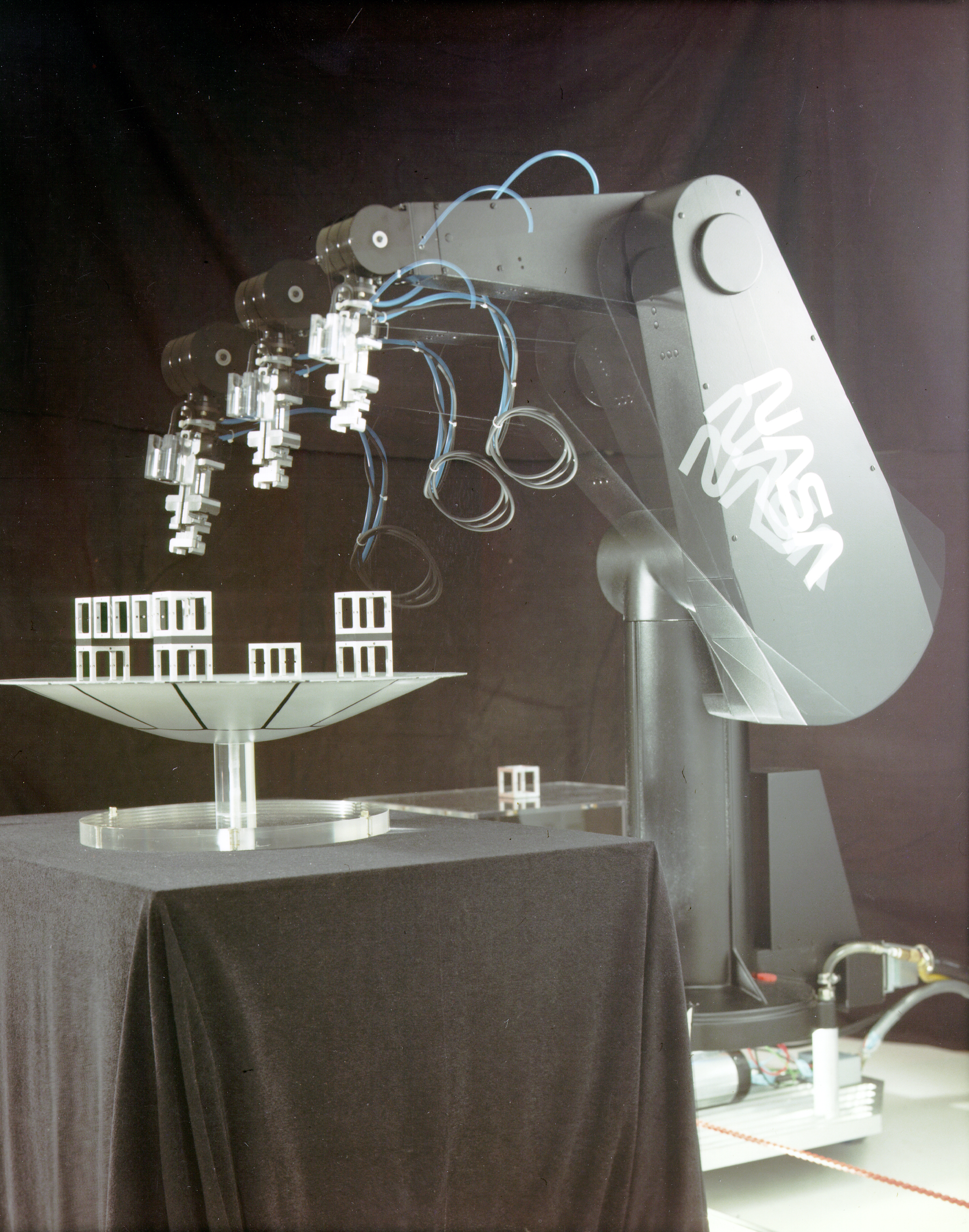
Quick Answer
Robotics combines hardware (motors, sensors), software (code), control systems, and power sources to create machines that perform tasks automatically. Whether you're building a robot from scratch or fixing one, focus on planning, testing small parts first, and using beginner-friendly platforms like Arduino or Raspberry Pi.
Key Takeaways
- Start with pre-built robot kits before attempting custom builds
- Always double-check wiring before powering up your circuit
- Use comments in your code to explain what each section does
- Home cleaning with robotic vacuums
- Warehouse inventory management using autonomous carts
Plain English Explanation
In everyday life, robotics means creating machines that can move, sense their environment, and follow instructions — like vacuum bots, industrial arms, or self-driving cars. It’s not just for factories; hobbyists use it for home automation, educational kits, or fun DIY projects.
Step-by-Step Guides
Build a Simple Line-Following Robot
- Soldering iron
- Multimeter
- Breadboard
- Jumper wires
Step-by-step guide
- 1
Gather materials: chassis, two DC motors, wheels, IR sensor array, microcontroller (like Arduino Nano), L298N motor driver, and battery pack
- 2
Assemble the chassis and attach motors and wheels securely
- 3
Connect motors to the motor driver and driver to Arduino
- 4
Wire the IR sensors to digital pins and ground the circuit properly
Common Problems & Solutions
This usually happens due to loose wiring, incorrect motor connections, or insufficient power supply. Sometimes the code isn’t uploaded correctly or the motor driver is faulty.
- 1Check all wire connections against your circuit diagram
- 2Ensure the power source matches the voltage required by motors
- 3Upload the code again and verify the correct board is selected in your IDE
- Skipping continuity checks with a multimeter
- Using mismatched voltage levels (e.g., 9V battery for high-torque motors)
Pros & Cons
Pros
- Can automate repetitive or dangerous tasks
- Enhances learning in STEM fields through hands-on projects
- Scalable from simple toys to complex industrial systems
Cons
- Initial setup can be expensive and time-consuming
- Requires knowledge of both hardware and programming
- Maintenance and repairs may need technical expertise
Real-Life Applications
Home cleaning with robotic vacuums
Warehouse inventory management using autonomous carts
Disaster response drones for search and rescue
Educational toys that teach coding and engineering
Automated plant watering systems for greenhouses
Beginner Tips
- Start with pre-built robot kits before attempting custom builds
- Always double-check wiring before powering up your circuit
- Use comments in your code to explain what each section does
- Test one component at a time instead of the whole system
- Join online forums like Reddit’s r/arduino or r/robotics for support
Frequently Asked Questions
A machine performs fixed tasks, while a robot can sense its environment and make decisions — often with some degree of autonomy.
Sources & References
- [1]Robotics — Wikipedia
Wikipedia, 2026
