Quick Answer
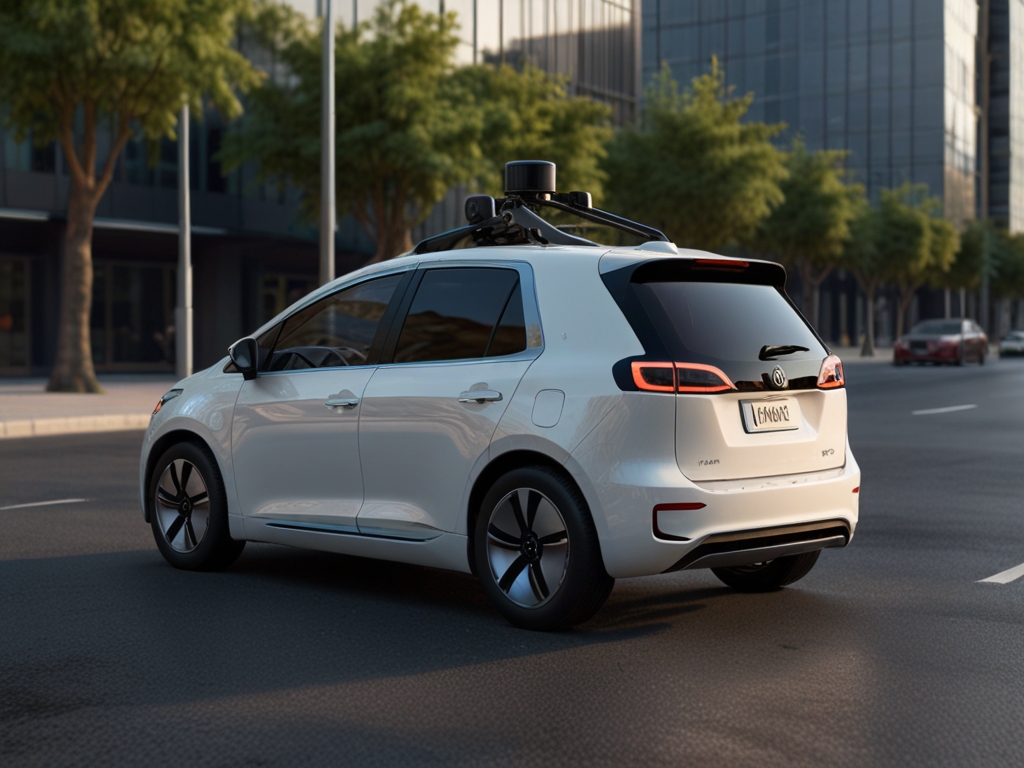
Self-driving cars use sensors, cameras, and AI to navigate without human control. They’re not fully autonomous everywhere yet, so drivers must stay alert and ready to intervene when needed.
Key Takeaways
- Always keep one hand near the wheel until you’re comfortable with response times
- Never assume full autonomy—stay engaged even in Level 2 systems
- Update software regularly to access latest safety improvements
- Commuting between home and workplace using highway autopilot
- Reducing stress during long-distance travel
What Self-driving car means in practice
In everyday life, self-driving cars are being tested and deployed in limited areas like city centers or highways. They help reduce driver fatigue and improve safety—but they still require supervision and can struggle in bad weather or complex traffic scenarios.
Quick answer
Self-driving cars use sensors, cameras, and AI to navigate without human control. They’re not fully autonomous everywhere yet, so drivers must stay alert and ready to intervene when needed.
Troubleshooting & Solutions
Common Problems & Solutions
Why this happens
Poor lighting, faded markings, or heavy rain can confuse the car’s camera-based detection system.
How to fix it
- 1Pull over safely and restart the vehicle’s autonomous system
- 2Check for software updates via the infotainment screen
- 3Contact the manufacturer support line for guidance
Mistakes to avoid
- Assuming the car will always detect road signs
- Not manually taking control during low visibility
When to seek help: If the issue persists after updates, visit an authorized service center for sensor calibration
Frequently Asked Questions
Most consumer vehicles today offer Level 2 automation (partial driving automation), meaning they can steer, accelerate, and brake under human supervision.
Sources & References
- [1]Self-driving car — Wikipedia
Wikipedia, 2026